
Chat widget
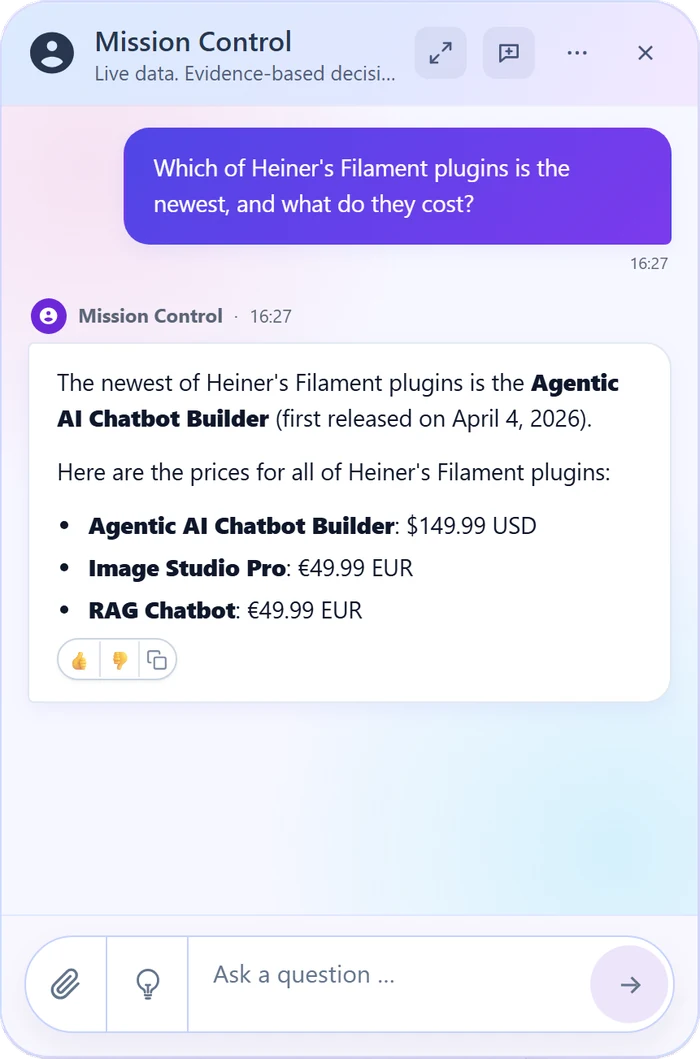
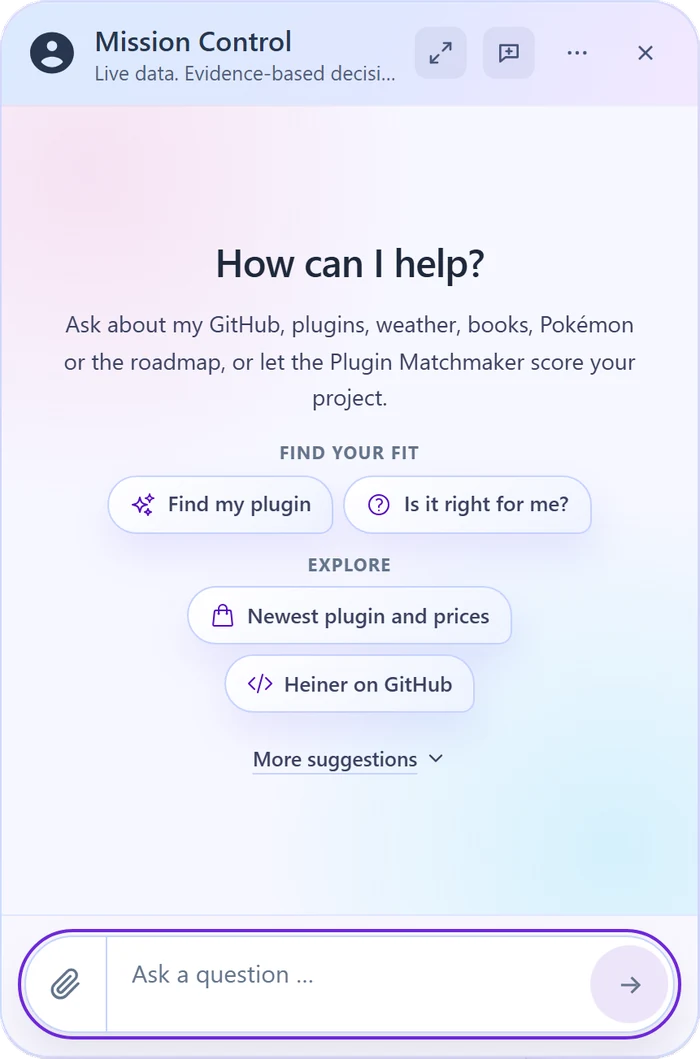
Style templates, colors, a welcome screen and up to eight conversation starters. Streaming answers, file attachments and a typed SDK for your frontend.
AI Agents for Laravel & Filament
Build an AI Agent in your Filament panel. It answers from your knowledge, reads the data, APIs and MCP tools you approve, and changes a record only after the visitor confirms.
Filament 5 Laravel 12 & 13 Bring your own AI provider key
Version 0.20, pre-1.0. A minor version can include breaking changes, so read the upgrade notes and test upgrades in staging.
Agentic, within your rules
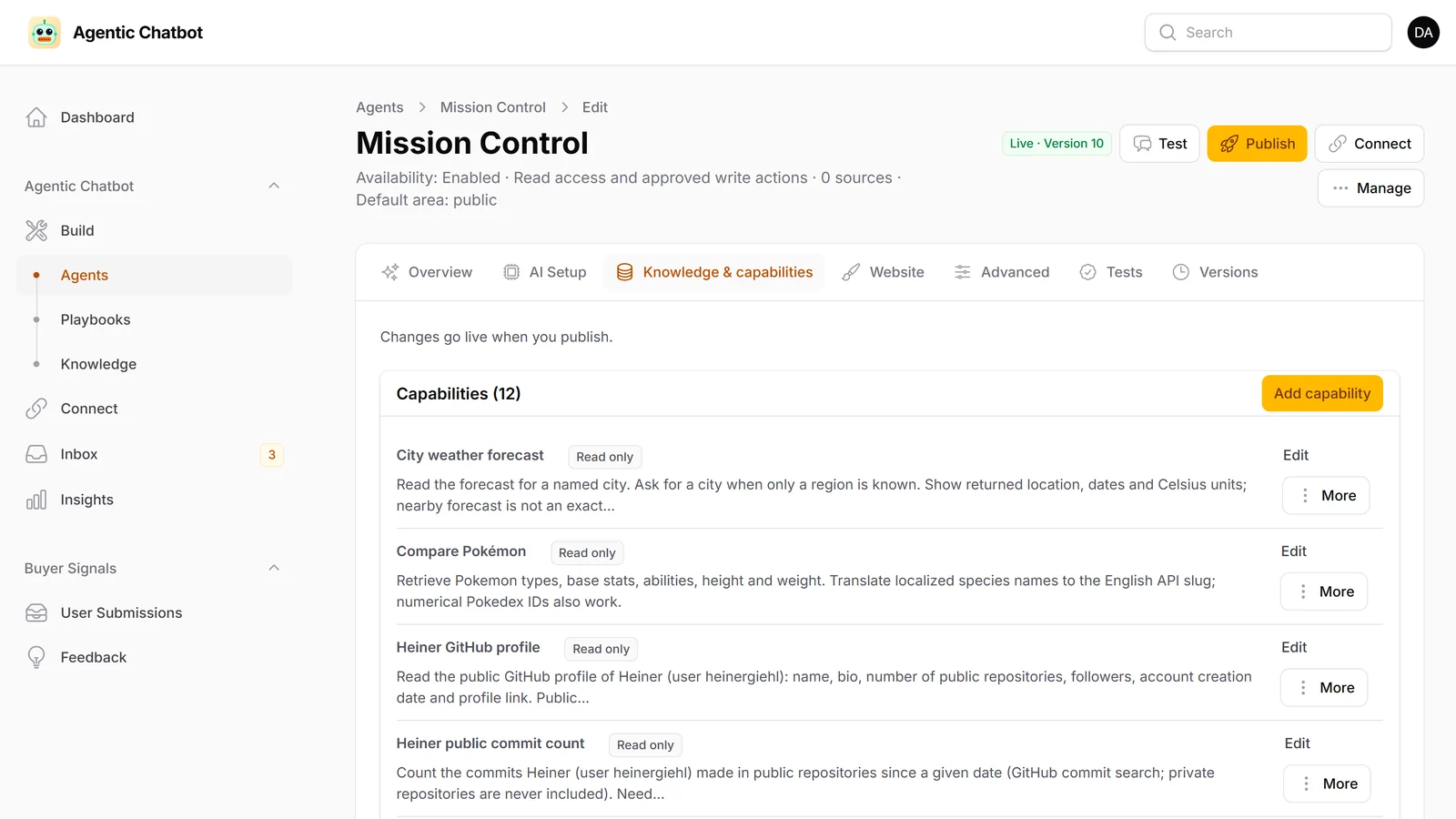
Each Agent chooses from the knowledge and tools of its live version: answer, search, read, ask a follow-up question or start a Playbook. Every tool call is checked against the access you configured.
Add text, PDF, Word, CSV and Excel files, web pages or JSON API sources. URL and API sources can re-sync daily or weekly, and one source can serve several Agents. Feedback and knowledge gaps show what to improve.
Import OpenAPI, Postman or cURL into inactive drafts, then publish the operations an Agent may call. Connect a remote MCP server, import its tools and decide per tool. Read-only tools start as reads; the rest stay off until you choose.
Data Resources expose selected Eloquent fields, filters, scopes and query budgets. A change is only proposed: the visitor sees the exact values on a card, and the write runs once after Confirm.
Optional Playbooks
Everyday questions stay conversational. When a request needs a defined process, the Agent starts a Playbook you built as a step list or on a canvas.
Ask for the inputs the task needs.
Query your data, score it with an AI step and branch.
Save a record once the visitor confirms, or hand over to your team.
Try a Playbook in the editor's test chat before you publish it, then inspect each run.
Explore in the demoAll in Filament
From the first setup to everyday operation, manage your Agents in the Filament panel you already know.
Style templates, colors, a welcome screen and up to eight conversation starters. Streaming answers, file attachments and a typed SDK for your frontend.
The web widget and Telegram work out of the box. Slack, WhatsApp Cloud API and email adapters are opt-ins that use your own provider setup.
Claim handoffs, add internal notes, reply in the same conversation and hand it back. Actions that need a review wait there too.
Test the saved draft with simulated writes. Publish creates an immutable version, and Restore brings back an earlier one.
Review conversations, feedback and knowledge gaps. Track cost and tokens per Agent and day, with monthly budgets.
Allowed domains with tokenless widget bootstrap, scoped Agent access tokens, outgoing webhooks and a read API for your backend.
A few useful details
For installation and configuration, read the documentation.
Teams adding AI Agents to an existing Laravel and Filament application. Your application keeps its authentication, tenancy and business data. The plugin adds Build, Connect, Inbox and Insights to the Filament panel you already use. The admin UI is available in English and German, with machine-translated French and Spanish.
Gemini, OpenAI, Anthropic, xAI, OpenRouter, DeepSeek, Groq, Mistral, Ollama, Azure OpenAI and OpenAI-compatible gateways, each with your own key. Each Agent has its own provider and model. Before going live, run Doctor and the Agent tests with the exact model you plan to use.
Yes, within the limits you set. A Data Resource can allow inserts and updates for the fields you choose. The Agent only proposes the change: the visitor sees the exact values on a card, and the write runs once after Confirm. Read access never grants write access.
No. Agents answer from knowledge and use approved reads without a Playbook. Add one when a task needs a defined sequence of inputs, decisions, approvals or actions.
Yes. Handoffs arrive in the Inbox. Your team can claim a case, add internal notes, reply in the same conversation and hand it back to the Agent when it is resolved.
PHP 8.3 or newer, Laravel 12 or 13, Filament 5 and a supervised queue worker. PostgreSQL 16 with pgvector is the certified setup for knowledge retrieval; ChromaDB is a supported alternative.
It is a commercial pre-1.0 release, currently version 0.20. Each release is installed and tested on fresh Laravel 12 and 13 applications, but a minor version can still bring breaking changes and required migrations. Read the upgrade notes, test your use cases and upgrades in staging, and pin the version you deploy.
Make it part of your application